Hi all,
Here's a quick introduction on saving the forum on your mobile device to make it super simple to take with you!
iOS/Apple
Open Safari:
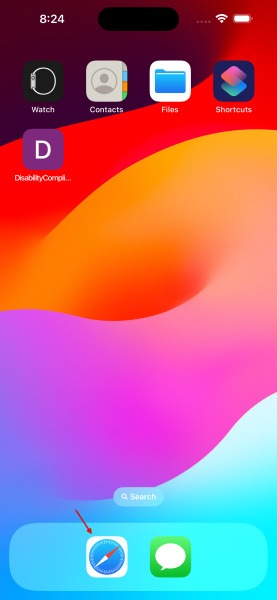
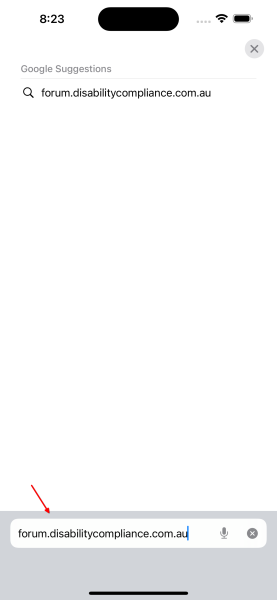
Navigate to the forum:
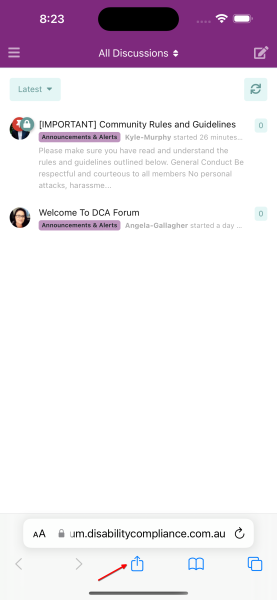
Click the "Share" button:
Add it to your Home Screen:
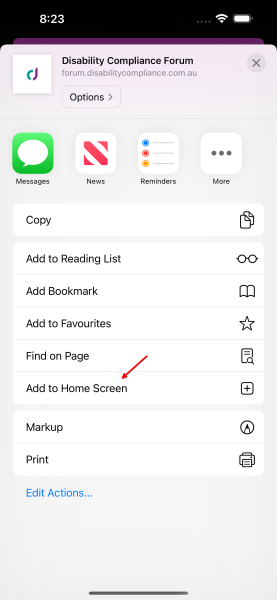
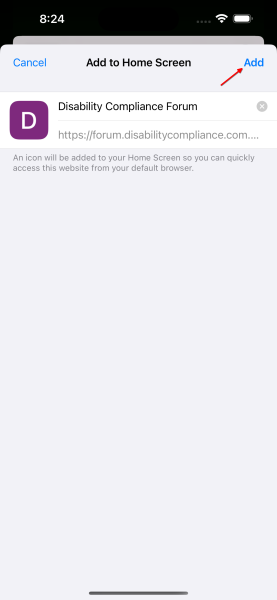
Confirm and Save:
Android
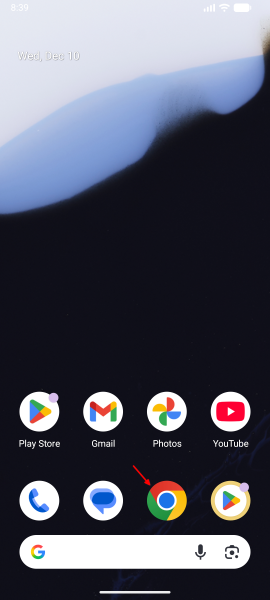
Open Chrome:
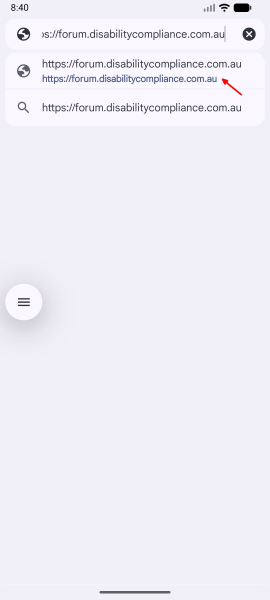
Navigate to the forum:
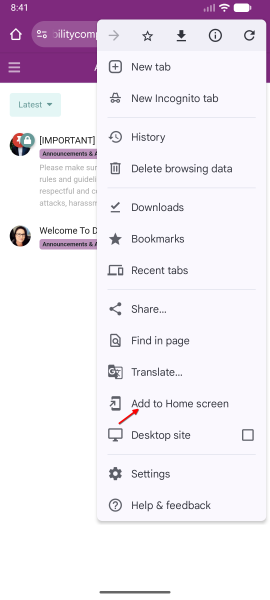
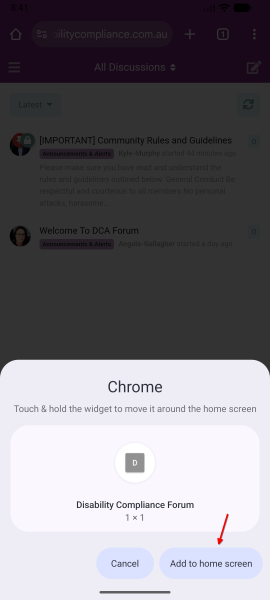
Add it to your Home Screen:
Confirm and Save:
Questions?
As always, if you have any questions, just let me know.
